- Active rental
- Message reaches the number
- Message appears in the portal inbox
MOBILE SERVICE / 30-DAY
A mobile number that stays ready while active
Rent a true mobile number for a 30-day term and receive unlimited inbound SMS without a customer wake-up step while the eligible rental remains active.
$12for a 30-day term
Rent an always-ready number →See how message delivery works →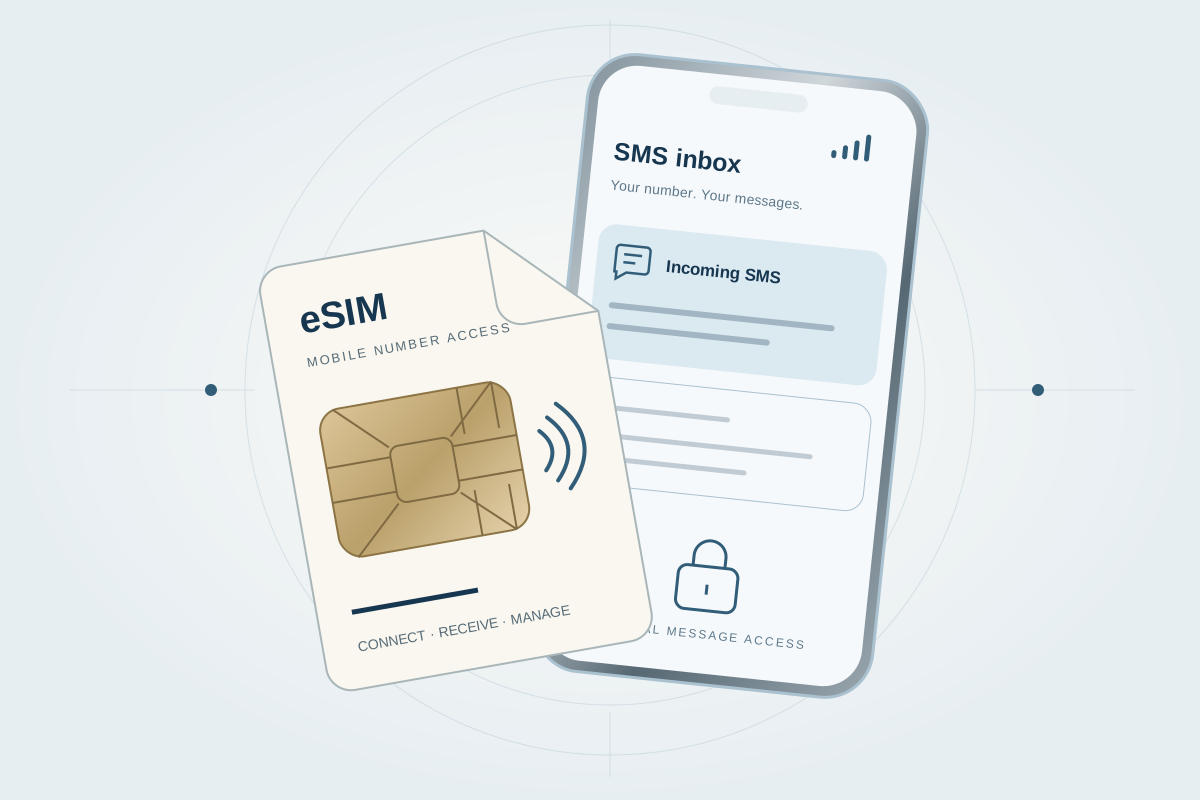
Ready while active
Messages arrive without a manual wake-up
When an inbound SMS reaches your eligible active number, it appears in the MobileSimPortal inbox. Search message history and check renewal or expiration status from the same account.
- 30-day rental term
- True mobile number
- Unlimited inbound SMS
- No manual wake-up while eligible and active
- Searchable portal message history
- Renewal and expiration status
Ready-while-active workflow
One less step between the sender and your inbox
- Rental waiting
- Customer wake-up step
- Message can be received
Readiness applies while an eligible rental is active and does not override carrier availability, expiration, compatibility, or service restrictions.
Eligible eSIM numbers
One number, two ways to use it
Keep receiving messages in the platform, or install an eligible eSIM on a compatible unlocked phone by scanning the provided QR code.
Check eSIM eligibility →Eligibility varies by number and device. The QR shown is illustrative and is not an activation credential.
The process
Know what happens next
A clear path from account creation to service management.
- 1
Create an account
Sign in to view the options available to your account.
- 2
Choose your setup
Select the service options that fit your intended workflow.
- 3
Manage it in the portal
Access the service and related account tools from one place.
Appropriate use
Built for practical business workflows
A fit for legitimate QA, business operations, account verification, and communication workflows that need continuity during the rental term.
Common questions
Helpful answers before you begin
Straightforward information based on the services currently offered.
Account and service
What does “ready while active” mean?
An eligible active rental can receive inbound SMS without a customer activation or wake-up step. Carrier availability, expiration, eligibility, and service restrictions still apply.
Are inbound messages limited on a long-term number?
Long-term rentals include unlimited inbound SMS while the rental is active, subject to the applicable service terms.
Access and availability
Where do messages appear?
Messages are available in the MobileSimPortal inbox as soon as they reach the number.
Can every number be installed with a QR code?
No. QR installation is available only for eligible eSIM numbers and compatible unlocked devices.
When should I choose a one-time number?
Choose it for one supported incoming message. Choose a long-term rental when you need an ongoing inbox and visible rental status.
Are all services supported?
No. Current service support and number availability are shown in the portal before selection.
Which proxy durations are available?
3 hours, 24 hours, 7 days, and 30 days, subject to current availability.
Which proxy protocols are supported?
HTTP and SOCKS5.
How does proxy rotation work?
You can request an immediate IP rotation or configure a supported schedule in the portal.
Which proxy locations are available?
Current supported U.S. locations are shown from live portal availability.
Where are current prices and inventory shown?
Current pricing, number inventory, supported services, and account-specific terms are shown in the portal.
What happens when a rental expires?
The portal shows the current rental state and applicable renewal or expiration information. Access is subject to that state and the service terms.
Ready when you are